
EDITIONS
Onimusha: Way of the Sword Outfits and Sword Appearances
Find Whittled Oar, claim sword cosmetics at the Spirit Mirror, use Change Appearance and distinguish outfits, gauntlet looks and combat upgrades.
Quick answer
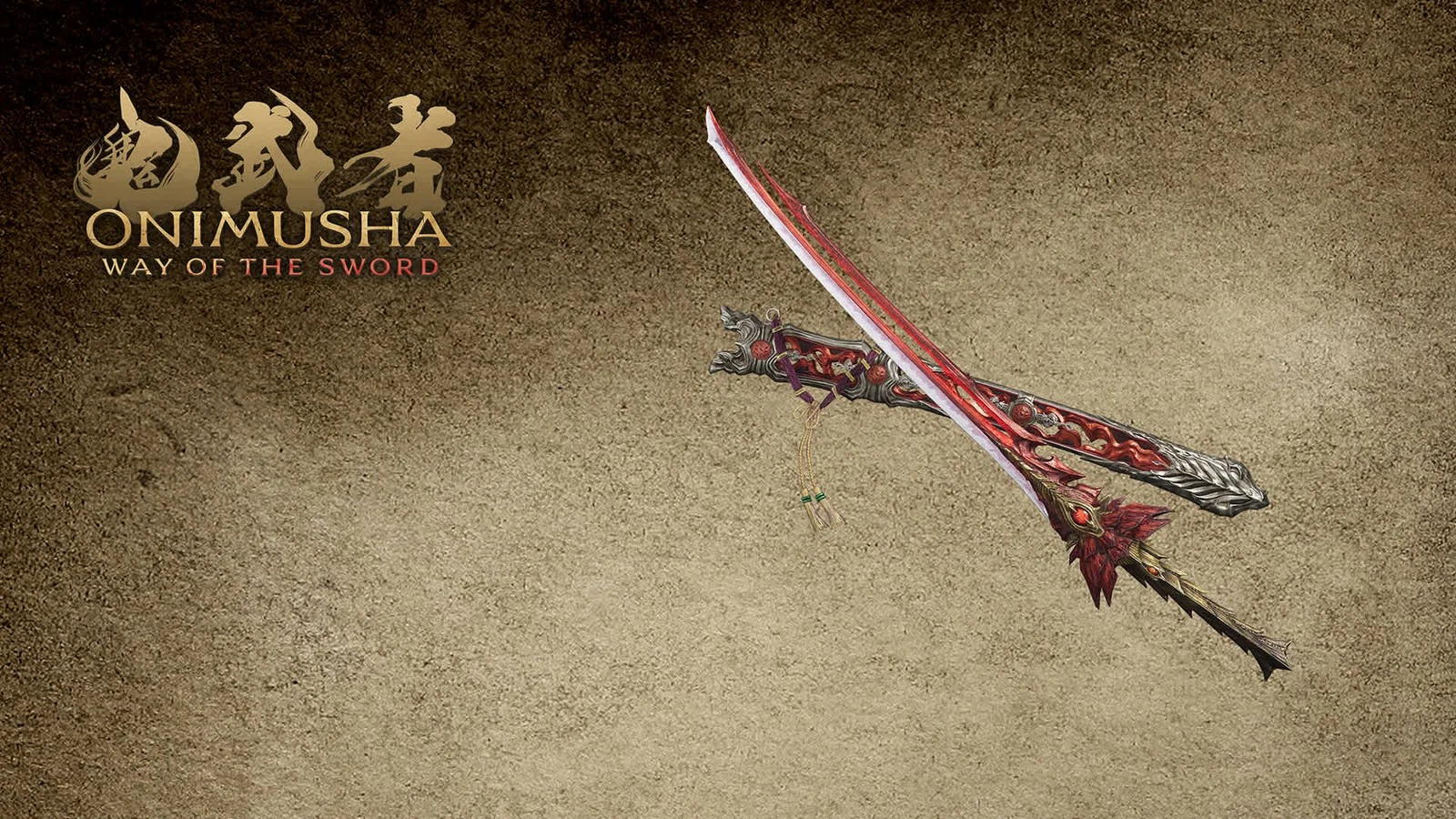
Whittled Oar is a sword appearance, not an extra combat Armament. The publisher's Nintendo listing says it changes Musashi's look without changing battle performance. Claim it through a Spirit Mirror, then use Change Appearance when that option becomes available.
How to get and equip Whittled Oar
- Check whether your edition already owns the add-on before buying it separately.
- Use the listing for the platform where you own the base game.
- Claim the appearance at the Spirit Mirror.
- Select Change Appearance to apply it.
The Nintendo publisher description says Spirit Mirrors and the appearance menu unlock separately as the story progresses. A missing menu early in the game is therefore not, on its own, proof of a failed purchase.
Whittled Oar also has a Steam DLC listing. It requires the Steam base game. Owning that version does not establish ownership of the Nintendo add-on.
Which kind of cosmetic is it?
| Item | Category |
|---|---|
| Whittled Oar | Sword appearance |
| Raizan / Enryuu / Bamboo & Panda | Sword appearances |
| Red Armor | Musashi outfit |
| Crimson Lotus | Oni Gauntlet appearance |
| Flower Dance / Goldfish Dance / Oni Dance | Okuni outfits |
| Bird Call / Snow Camellia / Elegance | Oni Lady outfits |
These names appear in the Steam Deluxe and Premium Kit listings. Treat it as a list of named edition items, not a complete inventory of every unlockable cosmetic.
Does an appearance change your weapon?
The Whittled Oar description explicitly rules out a battle-performance change. Its wooden-oar design does not add another weapon to the Oni Armory checklist.
Use the weapons guide for Firebird Flute, the Oni Bow and other combat tools. Use upgrade materials when the problem is improving equipment rather than changing its look.
What to check when an item is missing
Start with the exact product name in your order history. “Deluxe,” “Premium Deluxe,” a retailer bonus and a physical SteelBook package are not interchangeable descriptions.
Then check the platform account, owned add-ons and the Spirit Mirror menu. Avoid buying the same item again merely because its menu has not unlocked. The official listing warns about duplicate bundle purchases.
For region-specific boxes and downloadable kits, compare the collector-edition guide. This page does not assign an unverified mission number to the appearance-menu unlock.